


Al's
Playground
Al's
Playground
Unity's New Input
System
Al's Playground is a short demo showcasing my knowledge with Unity's New Input System and my ability to convert games using the existing Input System to the newer one.
In this demo the player is able to traverse a small blocked out scene which the player is able to interact with various different objects and vehicles. This project is aimed to show the power of the New Input System. Therefore players can switch between player control, Flying control and driving control.
Since the initial game doesn't have any UI or any identification mark for game progress, I decided to create my own using my UI/UX expertise.
This project supports Keyboard and Xbox controller Input.
Skills that was demonstrated in this project:

-
Created an interactive Main Menu which has an explosion particle system when clicking "Start" or the "walkie talkie"
-
Extended my skillset of Cinemachine and Timeline to create a starting animated cutscene
-
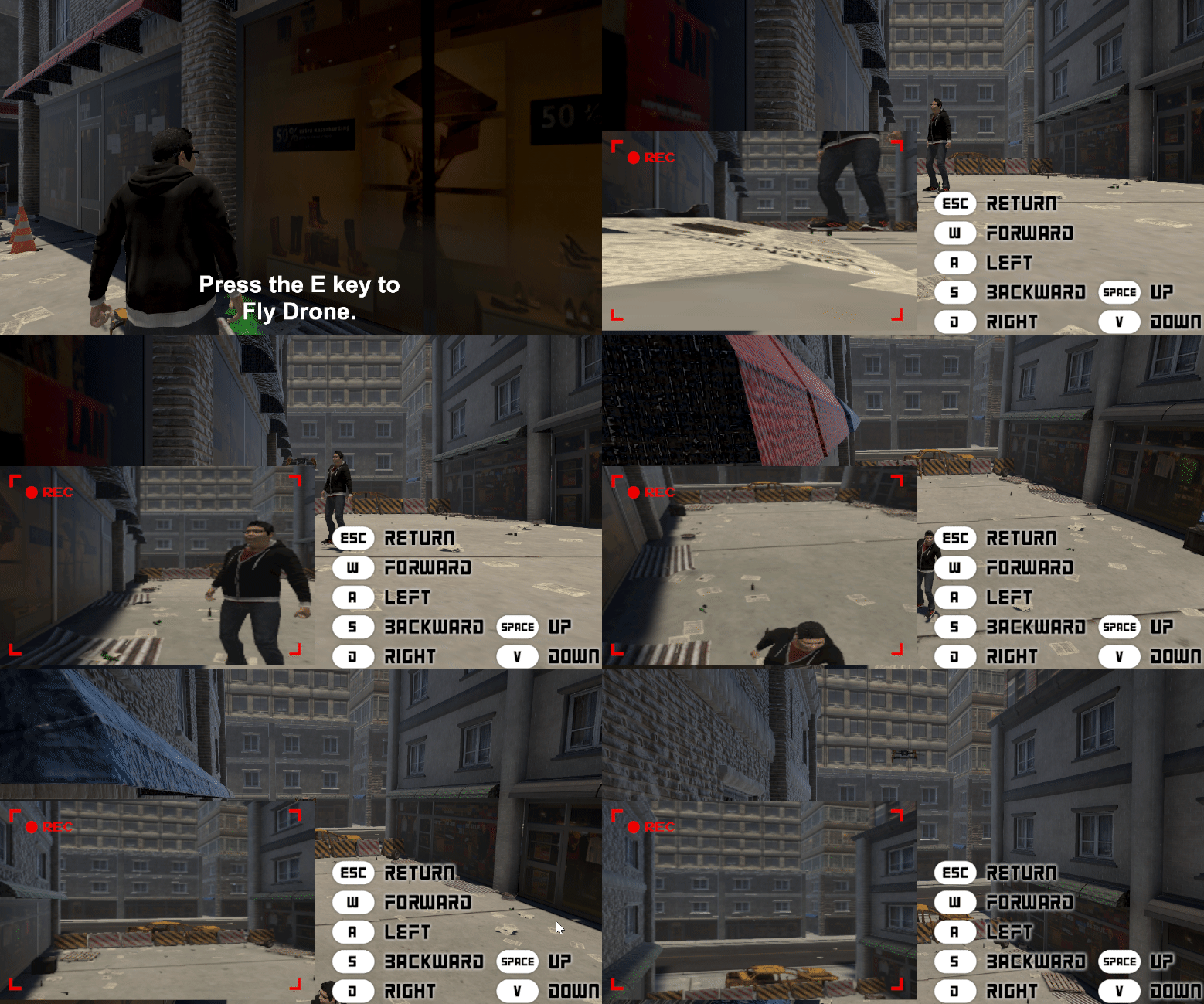
3rd person Player Input using "WASD", "Arrow keys", and "controller" input.
-
Drone Input using "WASD" along with "space" and "V" to increase and decrease drone height.
-
Forklift input controls using "WASD", "Arrow Keys" and "controller".
-
Cinemachine Virtual Cameras – Blend List, Point of View (POV) & 3rd Person Orbital Transposer cameras to control player and hackable cameras.
-
Unity Timeline (used to create cutscenes and string together different timeline tracks and audio together to create seamless animation)
-
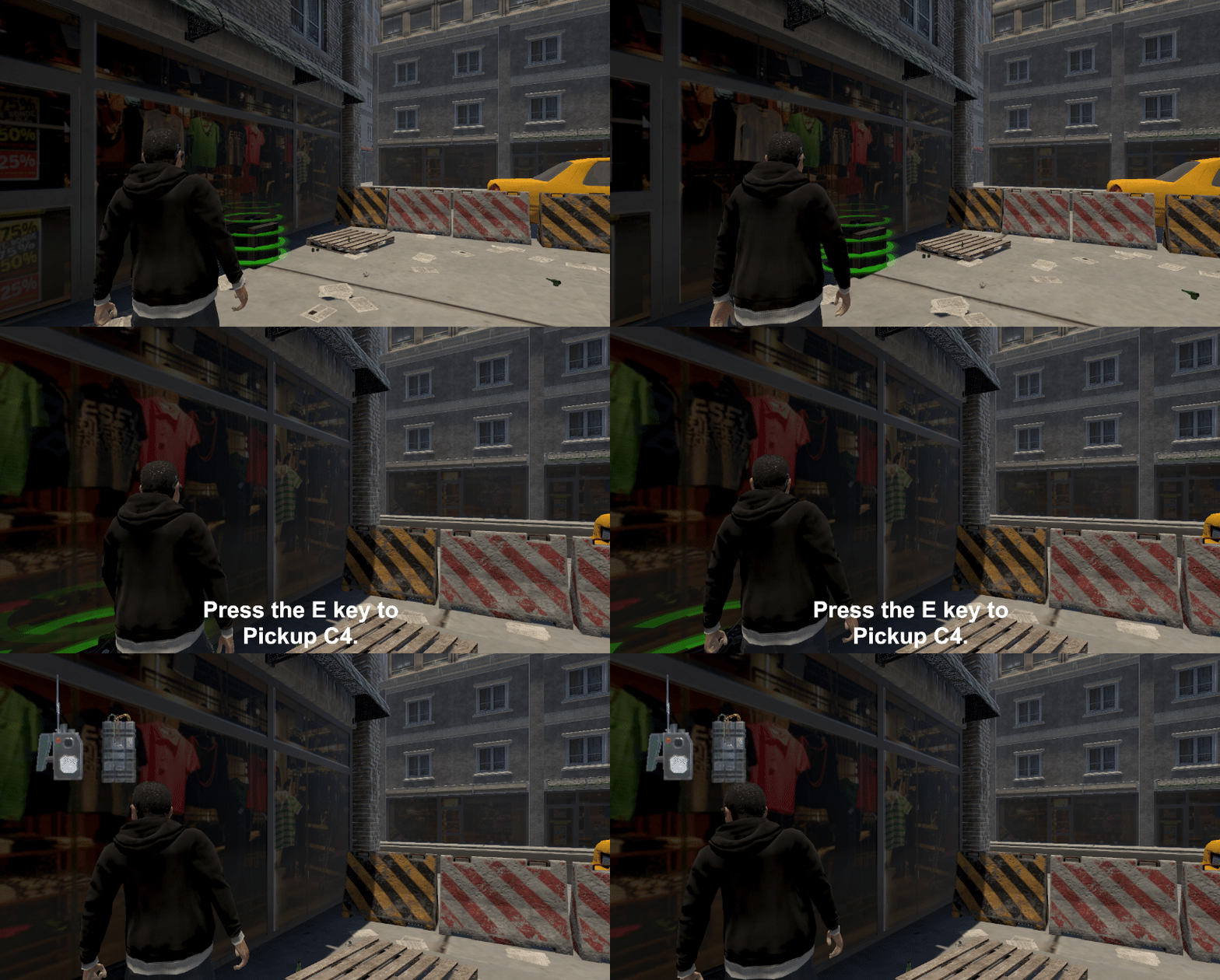
Input for Collecting and Utilizing objects (collecting, placing and denoting the C4)
-
Created the Ability to Hold and Press key bindings for certain interactions.
-
3D spatial Audio (utilizing Unity Audio Source)
-
3D character rigging (provided by Mixamo.com)